Home » For project owners
Full transparency and budget control, at every stage
When the information about a project is scattered across messages, photos, files and email, you get arguments, mistakes and delay.
Inspector holds it in one place: the documentation, the quantities, the tasks and what was actually built. Every party on the project works off the same version of the truth.
What owners keep running into
Control that is not really control. Checking the cost estimate before tender is hard, because nobody can tell you where the quantities came from.
No visibility. Following the status of the work, and seeing the design behind it, means asking someone and waiting.
Everything by hand. Interim and final accounts are tracked in spreadsheets and email threads.
What Inspector does about it
Budget control in real time. The bill of quantities, the design files and the field reports are connected, so what was built can be compared against what was designed and against what the contractor is claiming. That is where budget overruns get caught.
Progress you can see. One current picture of where the project stands and where it is stuck.
A digital archive. Everything is recorded and geographically tagged in one system, available whenever it is needed later.
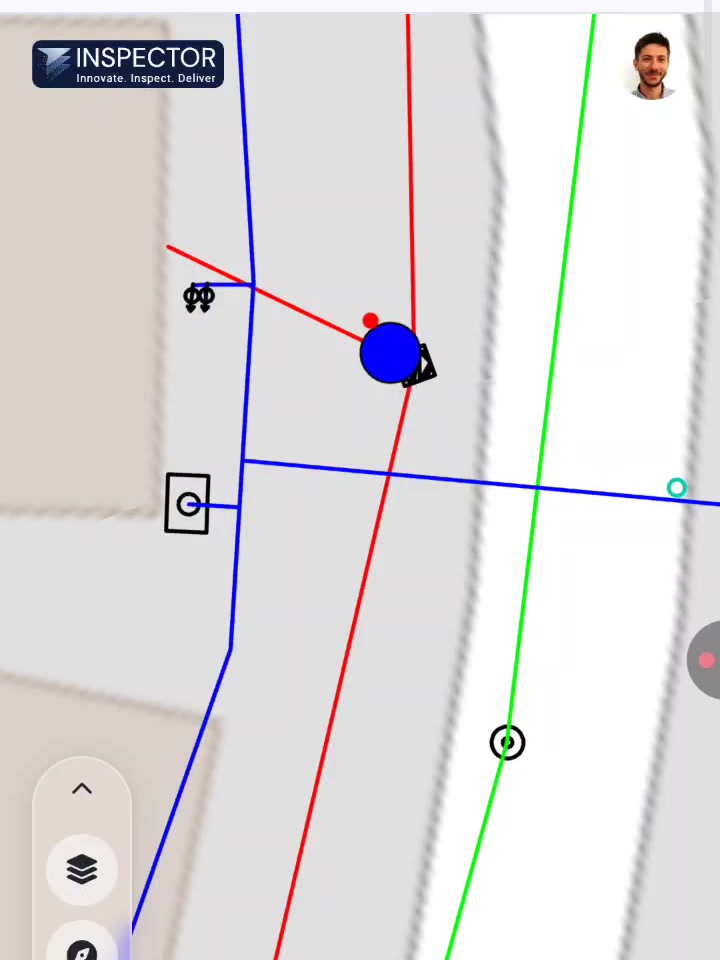
From the field
The Ministry of Construction and Housing saved millions of shekels on a project budget after the system automatically flagged a discrepancy between the quantities the contractor reported and the as-built drawings. The check stopped a payment that should not have been made.
What makes it different
Design and execution in one platform, with every party on it.
Verified data: field reports carry a location and photographs.
Automatic calculation: quantities are computed rather than typed.
Frequently asked questions
Do we need our contractors to adopt it too?
It works either way. An owner can run the control side alone, off the design files and the contractor’s payment applications. It works better when the contractor reports through Collector, because then the field record and the quantities come from the same place.
What do we have to provide to get started?
The design files as DXF, and the contract bill of quantities. That is enough to produce the comparison. As-built files are needed for the final account.
Can we see this on our own project?
Yes, and that is what we recommend. Send us a project you already know and we will show you the gaps that come out of it rather than run a demo on our own material.