Home » For site supervisors
Every site visit becomes a report, in one place
Instead of chasing photographs, messages and actions that were never written down, each visit turns into an ordered report with photographs, tasks, locations and instructions.
Everything is kept, searchable and traceable.
What supervisors keep running into
Many tasks, many parties. Contractors, designers and the client at once, which scatters the information and the status with it.
Instructions given and received, in the office and on site, with no single place holding them, so it is hard to be sure a correction was actually made.
Orientation and overlaying drawings on site. Comparing versions in the field leads to misreadings and expensive execution errors.
Checking quantities and approving contractor accounts, when the field data, the bill of quantities and the accounts do not talk to each other.
What Inspector does about it
Task management filed by location, element, date, subject or designer.
Location-based records with photographs, video and voice, with alerts, status and the reports a supervisor actually has to issue.
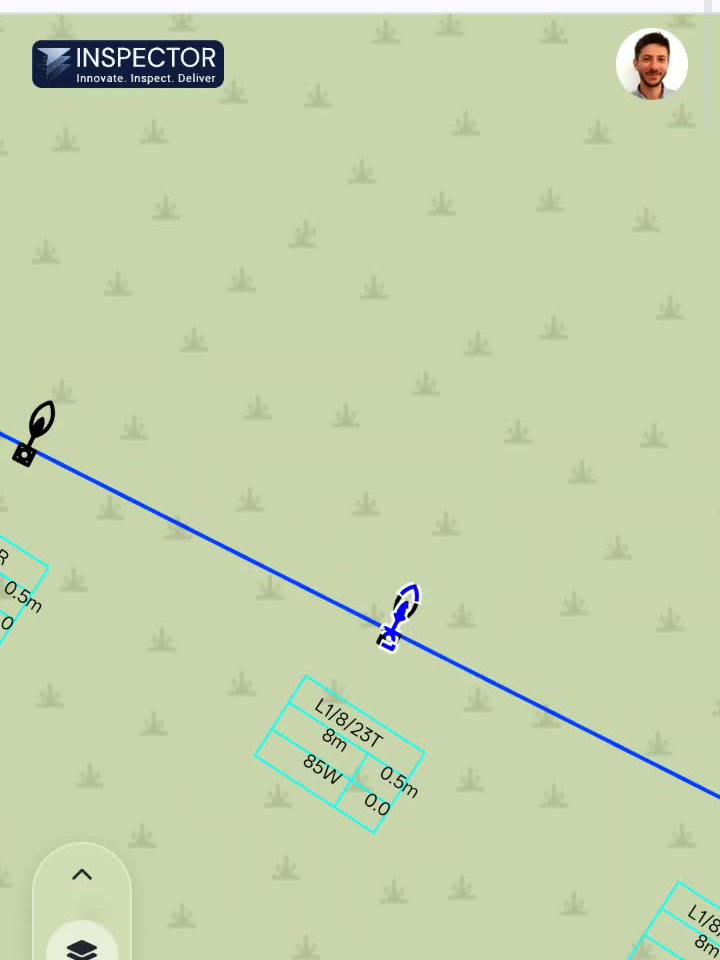
Drawings in the app, including several drawings overlaid on each other, with your own position shown on them.
From the field
A construction supervisor reports saving up to eight working hours a week after moving from paperwork to a full digital record, because the reporting is finished before leaving the site.
What makes it different
Collector: an app built for the field, with the drawings to hand and your position shown on them.
Location-based tasks that turn into reports without a second pass.
Version control and several drawings side by side, so an instruction can be given on the spot.
Frequently asked questions
Can I overlay two drawings from different disciplines?
Yes. That is one of the reasons the drawings are converted to map layers rather than kept as flat files. You switch layers on and off and read them against each other.
Can I finish the report on site?
Yes. The report is produced from what you recorded during the visit, so it can be issued before you leave.
Can I check a contractor's payment application with it?
Yes. The claimed quantity is put next to the quantity the drawings support, item by item, and the gap is shown.